
 SaaS Metrics
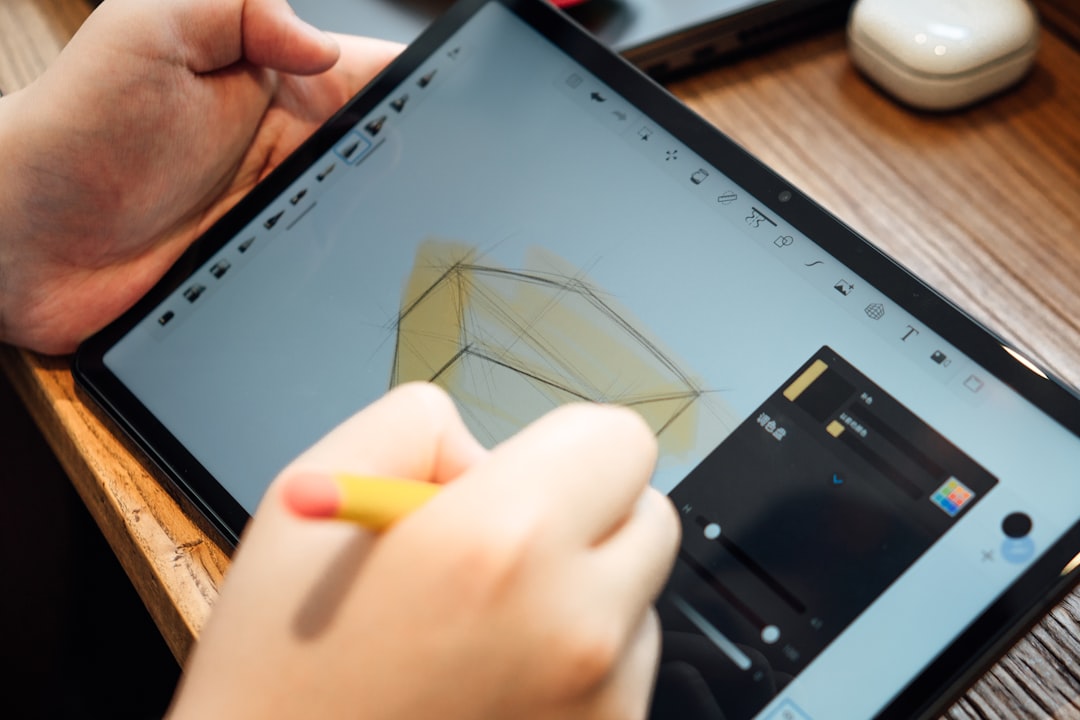
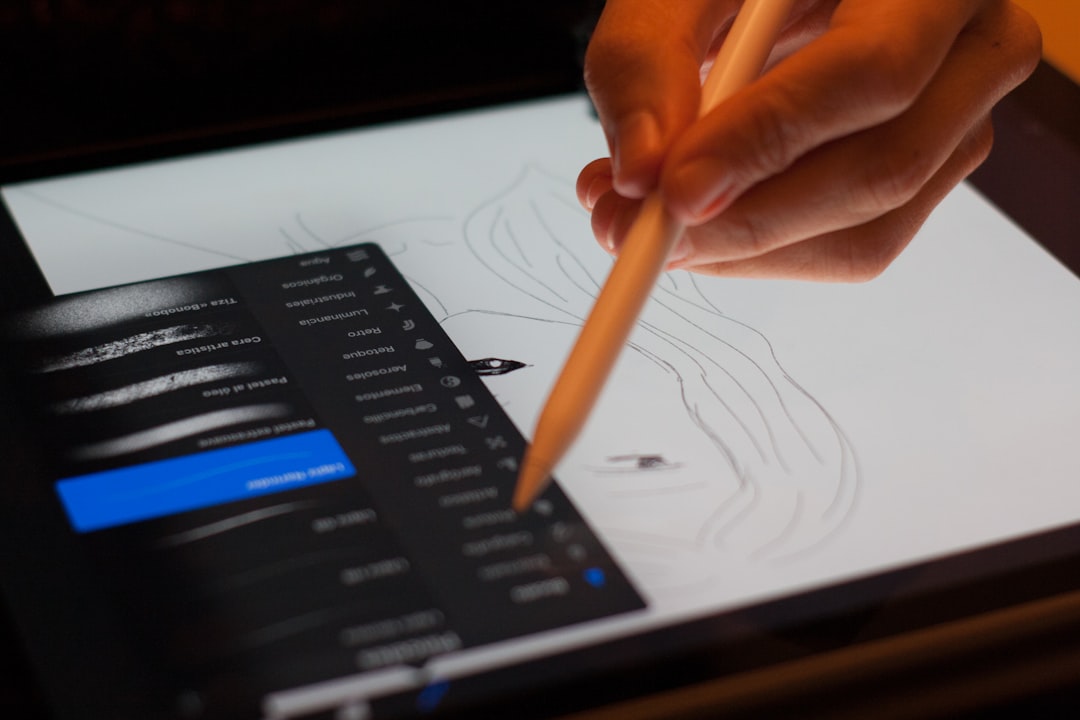
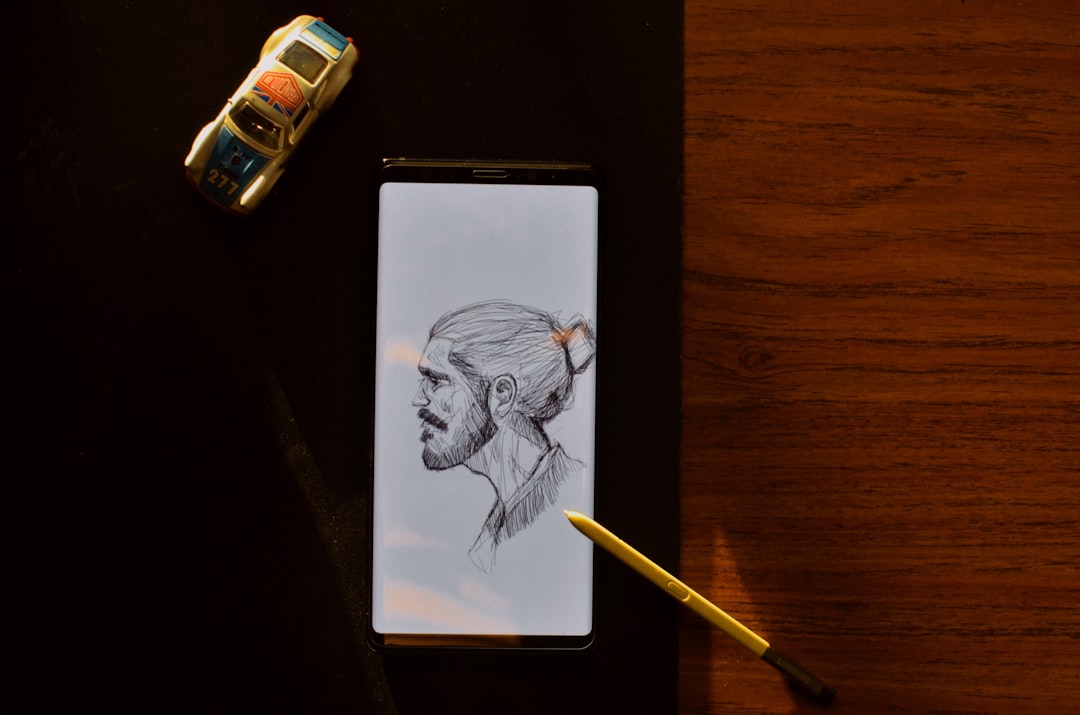
Top Digital Drawing Apps for Android 2026: Expert Picks
The world of digital art continues its rapid evolution, and Android devices are at the forefront of this creative surge. As of April 2026, artists, designers, and hobbyists alike are seeking powerful, intuitive tools that can transform their Android smartphones and tablets into portable studios. Choosing the best digital drawing apps for Android 2026 can be a complex task, given the sheer number of options available and the constant advancements in software and hardware. This comprehensive guide cuts through the noise, offering expert analysis and recommendations to help you find the perfect application to fuel your artistic vision.
Whether you are a seasoned professional demanding desktop-level features or a beginner exploring the joys of digital sketching, the Android ecosystem now offers an impressive array of applications. These apps cater to diverse artistic styles and technical requirements, from intricate illustrations and detailed paintings to quick conceptual sketches and graphic design work. Our goal is to provide a detailed overview, comparing functionalities, user experiences, and value propositions, ensuring you make an informed decision for your artistic journey in 2026.
Why Android is a Powerhouse for Digital Art in 2026
In 2026, Android's position in the digital art sphere is stronger than ever. The ecosystem benefits from a vast range of hardware, from high-end Samsung Galaxy Tabs and Google Pixel Fold devices offering unparalleled screen quality and stylus support, to more budget-friendly tablets that still deliver respectable performance. This diversity means artists are not locked into a single brand or price point, making digital art more accessible.
Advances in processor technology, like Qualcomm's latest Snapdragon platforms and Google's Tensor chips, provide the raw power needed for complex brush engines, multiple layers, and high-resolution canvases. Furthermore, improved latency for styluses such as the S Pen and third-party alternatives has significantly narrowed the gap between traditional drawing and digital creation, offering a natural and responsive experience.
The open nature of Android also fosters innovation, allowing a broader spectrum of developers to create specialized tools and integrate with other services. This environment encourages robust competition, which in turn drives the continuous improvement of existing apps and the emergence of new, groundbreaking ones. For a broader look at the Android drawing and sketching environment, you might find our comprehensive guide to the ultimate Android drawing and sketching landscape for 2026 insightful.
Key Factors in Selecting the Best Digital Drawing Apps for Android 2026
Choosing the ideal digital drawing app requires careful consideration of several factors. Your personal artistic style, workflow, and device capabilities will all play a significant role in determining the best fit. Here’s what to prioritize:
Performance and Device Compatibility
A drawing app is only as good as its performance on your specific device. Look for apps optimized for a smooth, lag-free experience, especially when working with high-resolution canvases or numerous layers. Check for compatibility with your device's stylus (e.g., S Pen, USI stylus) and its pressure sensitivity and tilt recognition features. An app that crashes frequently or struggles with responsiveness can quickly stifle creativity. User reviews often provide valuable insights into real-world performance across different Android devices.
Feature Set and Tool Variety
The breadth and depth of an app's toolset are critical. Consider:
- Brushes: Does it offer a wide range of customizable brushes for sketching, inking, painting, and special effects? Can you import or create your own?
- Layers: Are there unlimited layers, blending modes, and layer groups for complex compositions?
- Selection Tools: Are there precise selection tools like lasso, magic wand, and quick mask?
- Transformations: Does it support free transform, warp, distort, and perspective tools?
- Color Palettes: Robust color management, custom palettes, and color mixing options are essential.
- Symmetry and Guides: Features like symmetry rulers, perspective guides, and shape tools can greatly assist in creation.
As noted in user feedback for creative tools, apps that are "constantly improving" and offering a variety of tools, like mind maps and diagrams, tend to be highly valued (Source: apple_reviews on ThinkSpace: Next-gen Mind Map). This speaks to the importance of a rich and evolving feature set.
User Interface and Experience
An intuitive and customizable user interface (UI) is vital for an enjoyable drawing experience. A cluttered UI can be distracting, while a minimalist one might hide essential tools. Look for apps with:
- Customizable Layouts: The ability to move panels, toolbars, and quick-access menus.
- Gesture Support: Multi-touch gestures for zooming, panning, rotating, and undo/redo.
- Ease of Use: A logical flow that allows you to focus on your art rather than searching for tools.
- Accessibility: Options for left-handed users, colorblind modes, or other accessibility features.
Some apps excel in providing organizational features, allowing users to group elements, resize them, and connect ideas with arrows, much like a digital whiteboard. This level of organization, as described in reviews for apps like ThinkSpace: Next-gen Mind Map (Source: apple_reviews), can be a significant productivity booster for artists planning complex pieces.
Pricing Models and Value
Digital drawing apps come with various pricing structures: free, one-time purchase, or subscription. Evaluate which model best suits your budget and usage frequency. Free apps are great for beginners, but often come with ads or limited features. One-time purchases offer full access without ongoing costs. Subscriptions typically provide continuous updates, cloud storage, and cross-device synchronization. For some, a "fair monthly price for cross-device sync" is a clear value proposition, highlighting the importance of cloud features for a modern workflow (Source: apple_reviews on ThinkSpace: Next-gen Mind Map).
Community and Support
A strong online community and responsive customer support can significantly enhance your app experience. Active communities offer tutorials, tips, and inspiration, while good support ensures you can resolve technical issues quickly. Look for apps with active forums, social media presence, and readily available documentation.
Top Contenders: The Best Digital Drawing Apps for Android 2026
Based on performance, features, user experience, and community feedback as of April 2026, these are the apps that stand out for Android artists:
1. Ibis Paint X
Ibis Paint X continues to dominate the Android art scene, especially among anime and manga artists. Its immense popularity is due to an incredibly rich feature set that rivals desktop software. With over 15,000 brushes, a multitude of blending modes, precise selection tools, and robust layer management, it caters to a wide range of artistic styles. The app's unique features, such as stroke stabilization, ruler tools (including symmetry and radial lines), and clipping masks, make complex line art and coloring surprisingly accessible. Its active community and extensive tutorial videos also make it very beginner-friendly, while offering enough depth for seasoned artists.
Pros: Vast brush library, comprehensive features, excellent for line art, active community, frequent updates.
Cons: UI can feel overwhelming initially, some advanced features are behind a one-time purchase or subscription.
2. Autodesk Sketchbook
Autodesk Sketchbook remains a favorite for its elegant, minimalist interface and exceptional drawing engine. It offers a natural drawing experience, making it feel remarkably like traditional sketching on paper. The app boasts a respectable brush library, predictive stroke technology, and infinite canvas capabilities (on some devices). Its strength lies in its simplicity and focus on core drawing functionalities, making it ideal for concept art, ideation, and quick sketches. The fact that it's entirely free, with no ads or in-app purchases, makes it an excellent starting point for anyone new to digital art.
Pros: Clean UI, natural drawing feel, entirely free, good for sketching and ideation.
Cons: Fewer advanced features compared to Ibis Paint X, less focus on painting tools.
3. Krita
Krita, a powerful open-source painting program, has made significant strides on Android, offering a near-desktop experience. It's a professional-grade tool packed with features for painters, illustrators, and comic artists. Krita supports CMYK, HDR painting, and offers a highly customizable brush engine, along with a robust layer system. Its advanced features include a wrap-around mode for seamless textures, multi-brush tools, and a comprehensive animation suite. While its interface might take some getting used to on smaller screens, especially for those accustomed to touch-first apps, the sheer power it offers is undeniable.
Pros: Professional-grade features, open-source and free, excellent for painting and illustration, animation tools.
Cons: Steeper learning curve, UI can be challenging on mobile form factors, requires a powerful Android device for optimal performance.
4. Infinite Painter
Infinite Painter lives up to its name by providing an incredibly versatile and intuitive painting experience. It offers over 160 natural brush presets, the ability to create new brushes, and realistic blending modes. Its standout features include 3D perspective guides, symmetry tools, and a unique "Liquify" tool. The app's interface is highly customizable, allowing artists to tailor their workspace. Infinite Painter strikes a great balance between powerful features and user-friendliness, making it suitable for both casual and serious digital painters.
Pros: Excellent brush engine, highly customizable UI, strong perspective tools, intuitive.
Cons: Full feature set requires a one-time purchase, some users report occasional performance issues on older devices.
5. Concepts
Concepts is a vector-based drawing app renowned for its infinite canvas and precision tools. It's particularly favored by product designers, architects, and technical illustrators who require scalable drawings. The app offers a wide array of brushes and pens that feel natural, along with powerful shape guides, snap-to tools, and precise measurement capabilities. Its vector nature means you can scale your artwork indefinitely without pixelation, which is a huge advantage for professional work. While it can be used for general sketching, its strengths truly shine in technical and design-oriented tasks.
Pros: Infinite canvas, vector-based drawing, precision tools, excellent for design and technical illustration.
Cons: Subscription model for full features, not ideal for traditional painting or raster art, requires a powerful device for complex vector work.
6. ArtFlow
ArtFlow offers a clean, user-friendly interface with a strong focus on painting and sketching. It provides over 100 brushes, layers with blending modes, and a robust undo/redo history. The app supports pressure-sensitive pens and offers customizable canvas sizes. It's a solid choice for artists who want a straightforward, effective tool without the overwhelming complexity of some other apps. ArtFlow is particularly praised for its smooth performance on a variety of Android devices, making it a reliable option for many users.
Pros: Clean interface, smooth performance, good brush selection, supports pressure-sensitive pens.
Cons: Fewer advanced features compared to top-tier apps, some features require a pro upgrade.
7. Clip Studio Paint
Clip Studio Paint (CSP) has become a gold standard for comic, manga, and animation artists, and its Android version brings nearly all the desktop power to mobile devices. It offers incredibly sophisticated tools for line art, coloring, panel creation, 3D model import for posing, and even full animation capabilities. The brush engine is highly customizable, and its vector layer capabilities are exceptional for clean line work. While it comes with a subscription model for full access, the value for professional artists is immense, making it one of the most powerful digital drawing apps for Android 2026 for serious creators.
Pros: Industry-standard features for comics/manga/animation, powerful brush engine, vector layers, 3D model support.
Cons: Subscription-based, steep learning curve, demanding on device resources, UI can be dense on smaller screens.
8. Adobe Fresco
Adobe Fresco, known for its realistic live brushes that mimic oil and watercolors, has expanded its reach to more Android devices. It seamlessly integrates with the Adobe Creative Cloud ecosystem, making it an attractive option for artists already invested in Adobe products. Fresco combines raster and vector brushes, offering flexibility for various styles. Its strength lies in its natural media simulation and intuitive interface, making digital painting feel incredibly organic. While it's a powerful tool, a Creative Cloud subscription is generally required to unlock its full potential and cloud sync features.
Pros: Realistic live brushes, vector and raster capabilities, Adobe Creative Cloud integration, intuitive interface.
Cons: Subscription often required for full features, best experienced with a powerful device, may not be ideal for those outside the Adobe ecosystem.
Android Drawing App Recommender & Comparator (2026)
Tailor your search for the perfect digital art tool.
Hold Ctrl/Cmd to select multiple, or tap to toggle on mobile.
Recommended Apps based on your preferences:
Feature Comparison (Select up to 3 apps above to compare):
Beyond Drawing: Complementary Tools and Workflow Enhancements
Digital art creation often extends beyond just the drawing canvas. Efficient workflow management, idea organization, and cross-device compatibility are increasingly important for modern artists. In 2026, integrating your drawing apps with other productivity tools can significantly streamline your creative process.
For instance, brainstorming and organizing your artistic concepts before putting stylus to screen can be incredibly beneficial. Tools that allow for visual organization, such as mind-mapping applications, can help artists overcome creative blocks. One user, when faced with an art block, found immense value in an app like WannaDraw, exclaiming it was the "BEST APP EVER" for drawing during such times (Source: apple_reviews). This highlights the psychological and practical benefits of having tools that support the entire creative journey, not just the drawing itself.
Many artists find value in sketching out ideas or making notes digitally. For those who frequently switch between devices or need to collaborate, discovering the Best Cross-Platform Note-Taking Apps with Seamless Sync 2026 can be a game-changer. These apps ensure your ideas and reference materials are always accessible, whether you're on your Android tablet, a desktop PC, or another mobile device. Similarly, a broader look at the Best Cross-Platform Note-Taking Apps 2026 can provide options for every need.
For artists who appreciate the tactile feel of traditional drawing but want the benefits of digital, specialized hardware can also enhance the experience. Exploring options like the Best Color E-Ink Tablet 2026: The Ultimate Buyer's Guide could reveal new avenues for sketching and ideation, offering a paper-like feel with digital flexibility.
"The ability to jot down ideas, organize them into concept maps, and then seamlessly transition to a detailed drawing app is a workflow enhancement that every digital artist should consider. It's about building a robust digital studio, not just relying on a single tool."
Comparative Overview: Features and Pricing
To help you compare the leading best digital drawing apps for Android 2026 at a glance, here's a table summarizing key aspects:
| App Name | Primary Focus | Pricing Model (as of April 2026) | Key Strengths | Target User |
|---|---|---|---|---|
| Ibis Paint X | Illustration, Manga, Anime | Freemium (ads, one-time purchase for full features) | Vast brush library, extensive features, strong community | Anime/manga artists, illustrators, beginners |
| Autodesk Sketchbook | Sketching, Concept Art | Free | Minimalist UI, natural drawing feel, no ads | Sketch artists, concept artists, beginners |
| Krita | Painting, Illustration, Animation | Free (Open Source) | Professional-grade features, animation tools, CMYK support | Digital painters, illustrators, comic artists |
| Infinite Painter | Painting, Illustration | Freemium (one-time purchase for full features) | Realistic brushes, customizable UI, perspective tools | Digital painters, illustrators |
| Concepts | Design, Technical Illustration | Subscription for full features | Vector-based, infinite canvas, precision tools | Designers, architects, technical illustrators |
| ArtFlow | Sketching, Painting | Freemium (pro upgrade for full features) | Clean interface, smooth performance, reliable | Beginners, casual artists, general sketching |
| Clip Studio Paint | Comics, Manga, Animation | Subscription | Industry-standard for comics/manga, animation, 3D models | Professional comic/manga artists, animators |
| Adobe Fresco | Painting, Illustration | Freemium (Adobe CC subscription for full features) | Realistic live brushes, raster & vector, Adobe ecosystem | Painters, illustrators, Adobe Creative Cloud users |
Future of Digital Art on Android: What to Expect Post-2026
Looking beyond 2026, the trajectory for digital art on Android devices remains exciting. We can anticipate further advancements in several key areas:
- AI-Powered Tools: Artificial intelligence will likely integrate more deeply into drawing apps, offering features like intelligent color suggestions, automatic line clean-up, and even AI-assisted generative art tools that can help overcome creative blocks or quickly mock up concepts.
- Enhanced Stylus Technology: Expect even lower latency, greater pressure sensitivity, and new functionalities for styluses, potentially including haptic feedback or advanced gesture controls directly on the pen.
- Foldable Device Optimization: As foldable phones and tablets become more prevalent, apps will be better optimized to take advantage of larger, flexible screens and multi-window workflows, offering an expansive canvas when needed and a compact form factor for portability.
- Cloud-Native Workflows: Seamless cloud synchronization and collaboration features will become standard, allowing artists to work across multiple devices and with other creators more effortlessly. This builds on the value of cross-device sync already appreciated by users.
- Real-time 3D Integration: Expect more robust integration of 3D modeling and rendering capabilities directly within 2D drawing apps, allowing artists to sketch over 3D models or use them as reference more fluidly.
The commitment to continuous improvement, a quality highlighted by users of leading creative applications, will remain a driving force for Android app developers. This ensures that the tools available to artists will only become more powerful, intuitive, and versatile in the years to come.
Conclusion
As of April 2026, the Android platform offers an incredibly rich and diverse ecosystem for digital artists. From the feature-packed Ibis Paint X and the professional power of Krita and Clip Studio Paint, to the intuitive simplicity of Autodesk Sketchbook and the precision of Concepts, there's an app tailored for every artist and every style. The best digital drawing apps for Android 2026 are those that align with your specific needs, device capabilities, and creative aspirations.
We encourage you to experiment with different options, taking advantage of free trials or free versions to find the app that truly resonates with your artistic workflow. The continuous innovation in both hardware and software ensures that your Android device is not just a communication tool, but a genuine, powerful canvas for your imagination. Embrace the digital revolution and create something extraordinary in 2026 and beyond.
